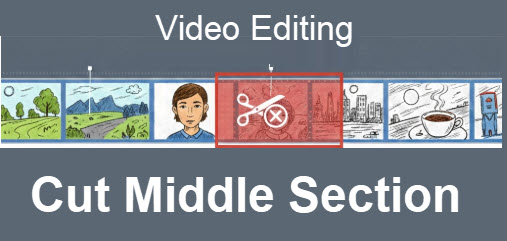
It's easy to trim a video from the beginning or the end, and you don't need video editing software. Just use the edit tool in Google Photos, Apple Photos, or Samsung Gallery, and
drag the beginning or ending marker.
But what if you want to cut something out from the middle?
Most people use real video editing software for this, but with a little bit of effort, it can be done with just Google Photos. If, like me, all your video clips are
already stored in Google Photos, this is a great way to go. It works on both Android and iOS.
This tip also includes a 12 minute video that teaches a complete lesson on creating a movie with video clips, photos, music, transitions, and titles using the Free ClipChamp app.